> ## Documentation Index
> Fetch the complete documentation index at: https://support.pexcard.com/llms.txt
> Use this file to discover all available pages before exploring further.
# Using Custom ID to Link Cardholder Accounts to External Systems
> Many customers wish to be able to link a PEX card account profile to a record in another system. For example, a company may want to link their cardholder to employee records in their HRIS, or link to enrollees in an incentives program. The Custom ID field is designed to facilitate this use case.
The Custom ID field is a user defined id which can be assigned to the card holder profile. The field is alphanumeric and has a maximum length of 50 characters. This field is optional and can be assigned via [the PEX API](http://developer.pexcard.com), or on the Card Profile screen.
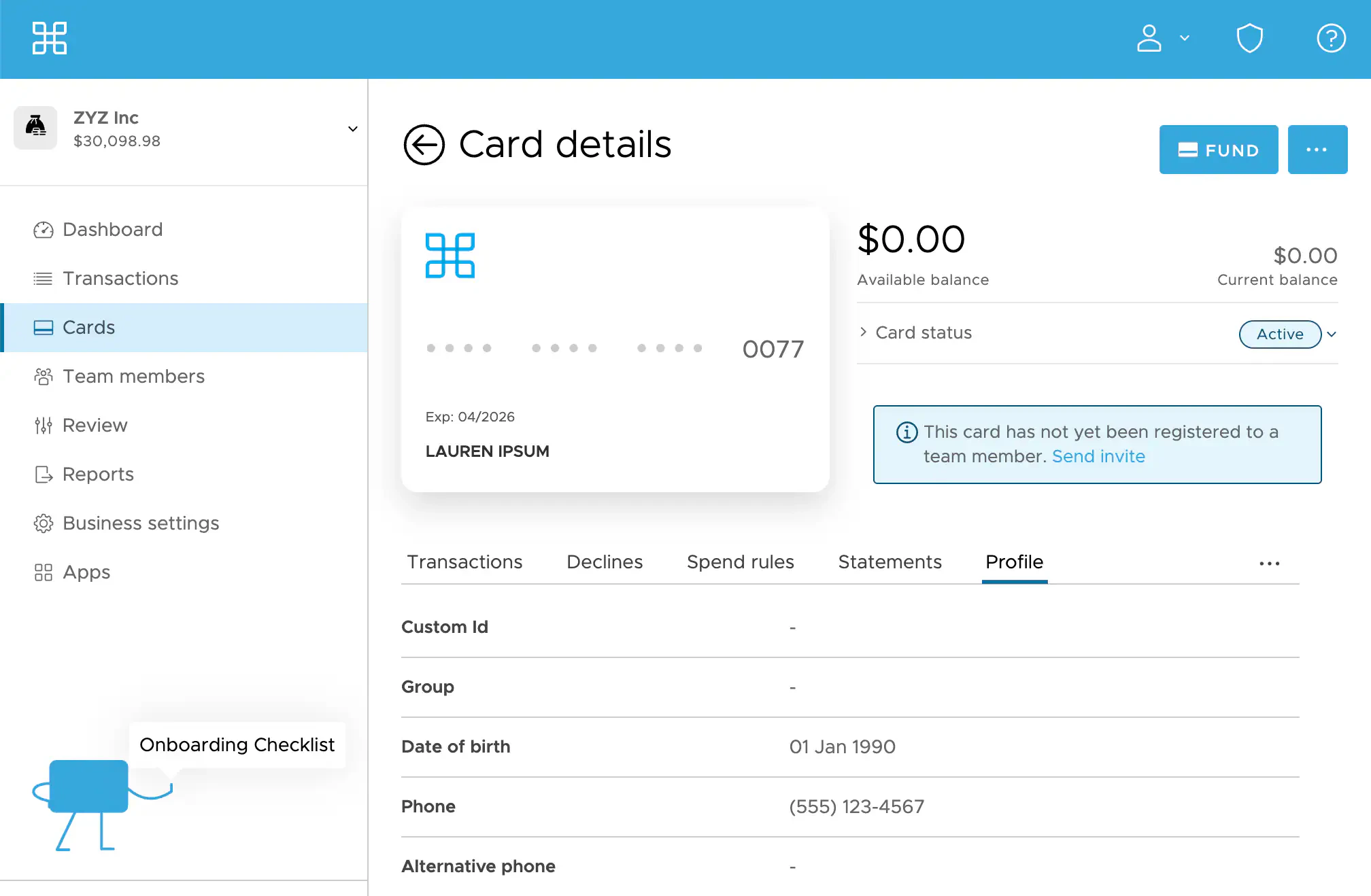 The Custom ID is also included in the "Spend by Card" report for easy reconciliation.