Before you start
- You need administrator access to view statements on the Dashboard.
- If you download a statement as a PDF, you’ll need a PDF viewer such as Adobe Acrobat or Preview to open it.
How to view monthly statements
1
Log in to dashboard.pexcard.com
2
Click Reports in the left navigation
3
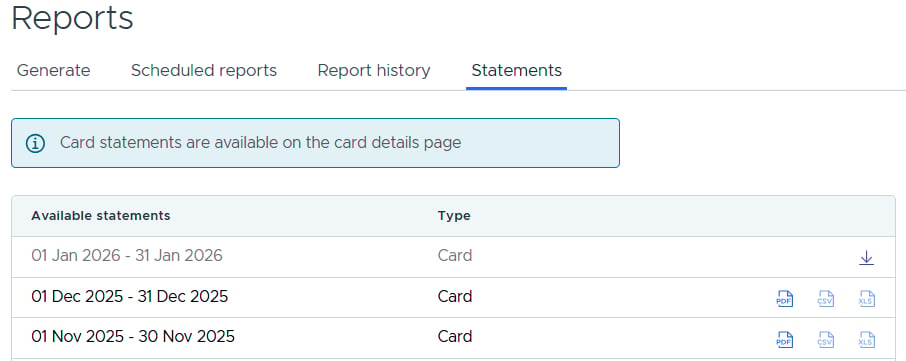
Click Statements in the top navigation
4
Find the statement month you want. Statements are available in PDF, CSV and XLSX
5
Click the Statement download icon, or the icon for the format you prefer, on the right to download