Important:You must have a registered PEX cardholder account to add your card to a digital wallet. To set up a PEX cardholder account, please visit https://dashboard.pexcard.com/registration
Adding a PEX card to Google Pay (old app)
On November 18, 2020 Google Pay released a new Google Pay app. Use the steps below to add a card to your wallet if you are using the pre-Nov 2020 Google Pay app on your Android mobile device.1
Open the Wallet app
2
Click on + Payment method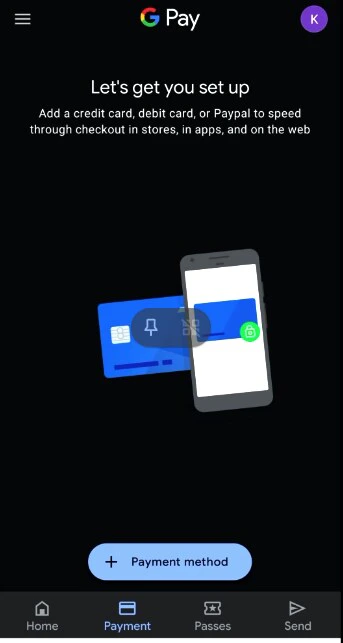
3
Select Card type = Credit or Debit card
4
Enter your PEX card details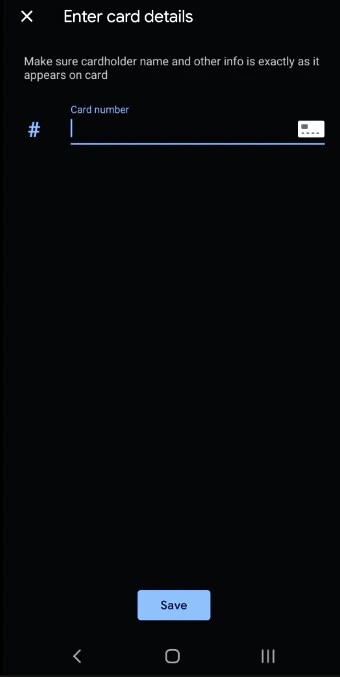
5
Accept the terms and conditions by tapping “Agree”.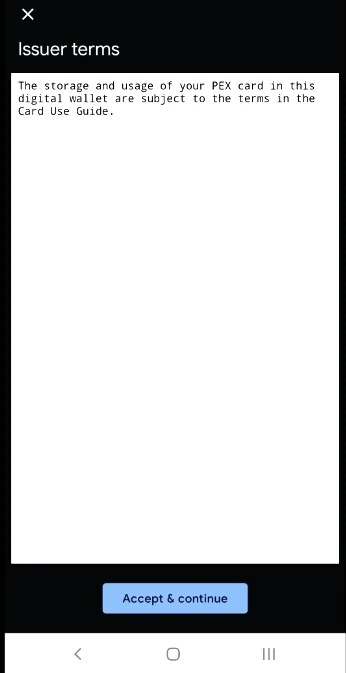
6
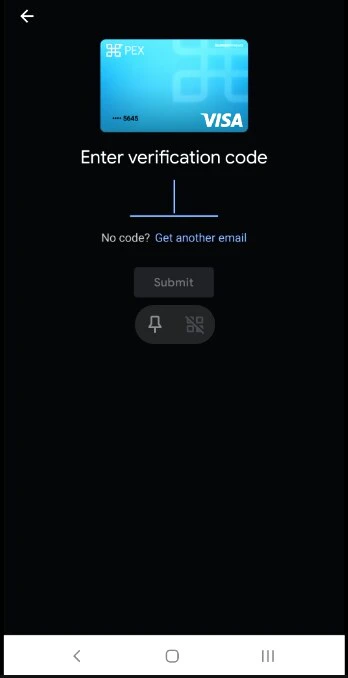
You may be presented with a Card Verification screen. Choose one of the options presented: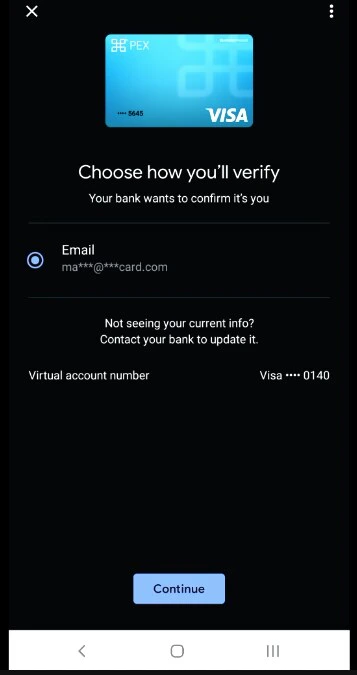
- Email - a numerical code will be sent to the email on file with PEX. This code must be entered into the digital wallet app when adding the card to the wallet.
- Call center - the cardholder can call PEX. You will be asked a series of questions to verify your identity.
7
Enter the verification code.