

Creating an Account
2
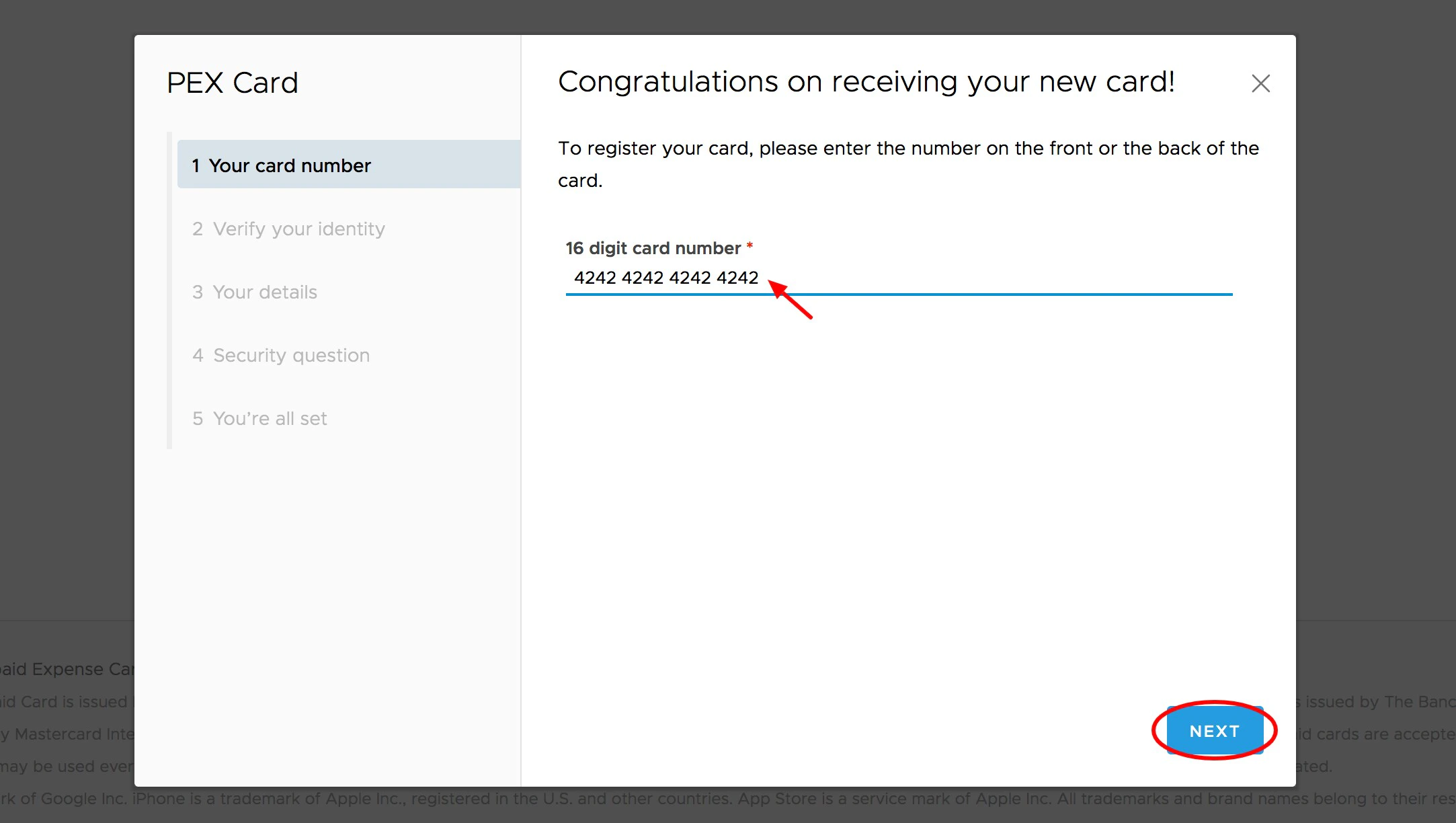
Enter your card number
3
A six (6) digit code will be emailed to the email address on file that was provided when the card was ordered
- Check with your business administrator to verify the email address on your card profile
- Retrieve the code from your email and enter it in the field provided. Enter the number on your PEX Card and Click “Next”
4
After verifying your email address, you will be shown the phone number and birth date that PEX has on file
- Please alert your business administrator if this information is incorrect
5
Create a username
- Your username must be unique to any other username in the PEX database
6
Choose a password. Passwords must meet the following requirements:
7
Must be between 8 and 16 characters in length
- Must contain at least one digit (0-9)
- Must not begin with a hash symbol (#)
- Palindromes (such as “123aba321”) will be rejected
- Must not contain your username
- Spaces are not allowed
8
Choose a security question
Note:Administrators cannot view this information
9
Enter your security answer
Note:Answers are case sensitive, so be sure to enter the answer in the exact way you will enter it again in the future
Note:Administrators cannot view this information
Creating a New Cardholder User Account Using Your Birth Year for Verification
If you do not have access to your company email, your administrator may have enabled the option to create a card account by using your birth year. This is not common. On Step 3 in the above instructions, enter your 4-digit birth year in the field provided.Note:Your birth year will only be applicable if the administrator chose this method. Entering the birth year is not a substitute for the secure verification code sent by email.