

How to Fund Your Account by Bank ACH
1
Log in to dashboard.pexcard.com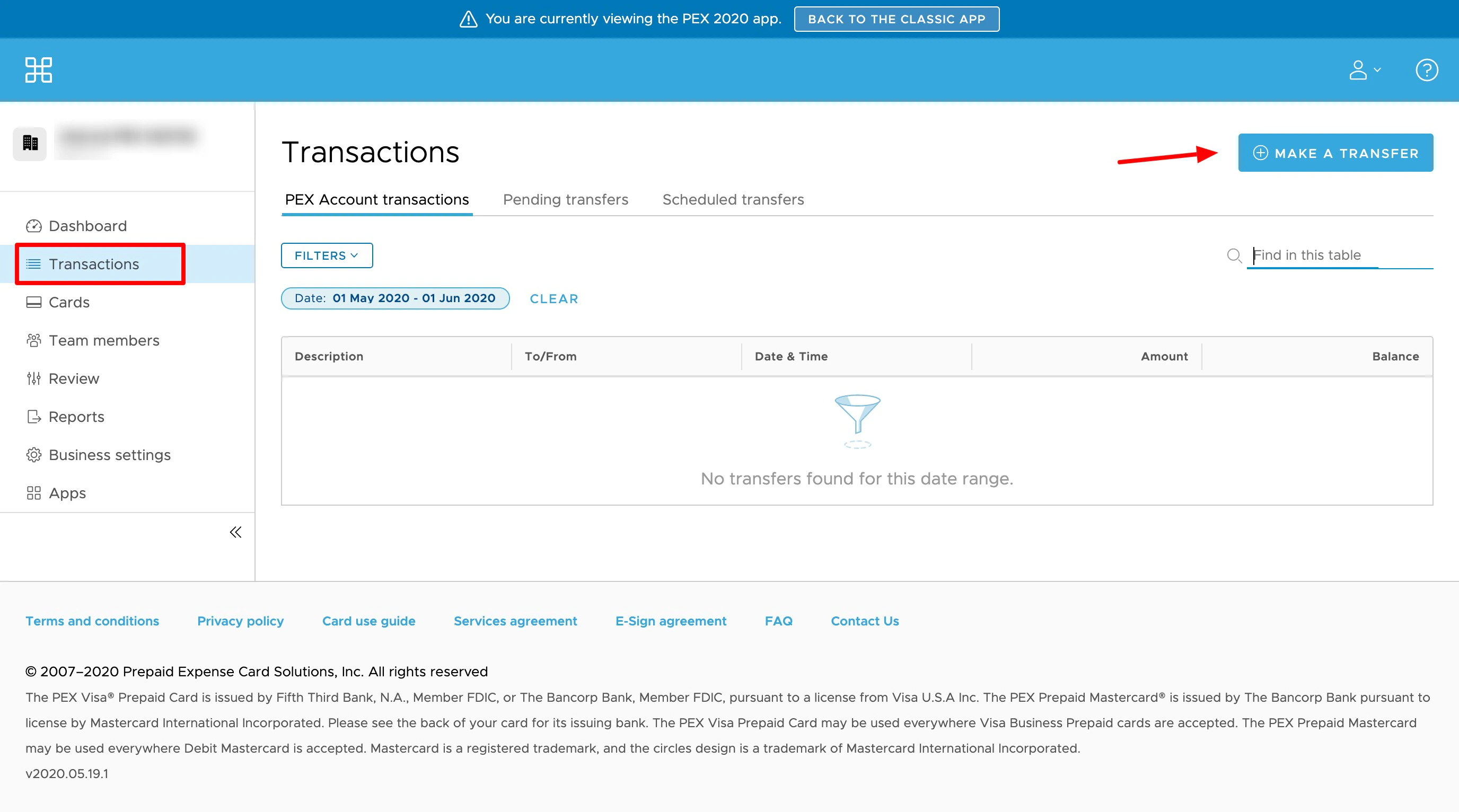
- Click the “Transactions” tab
- Click the “Make a Transfer” button on the upper right corner
- Click the “ACH Instructions” tab
- Provide your bank with the information provided.
- Your bank may want to verify the accuracy of the account number by sending two small credit amounts (“microdeposits”) to your PEX account
- Once set-up is complete, you can initiate a transfer from your bank
- The transfer should appear in your PEX account within two (2) business days.