

Note:The external bank account must be on record with PEX
- Download the iOS app from the App Store
- Download the Android app from the Google Play Store
- The download is free but carrier data rates may apply
1
Log into the Mobile App
2
Click on the “Transfers” icon at the bottom of the screen
3
Click on “Transfers”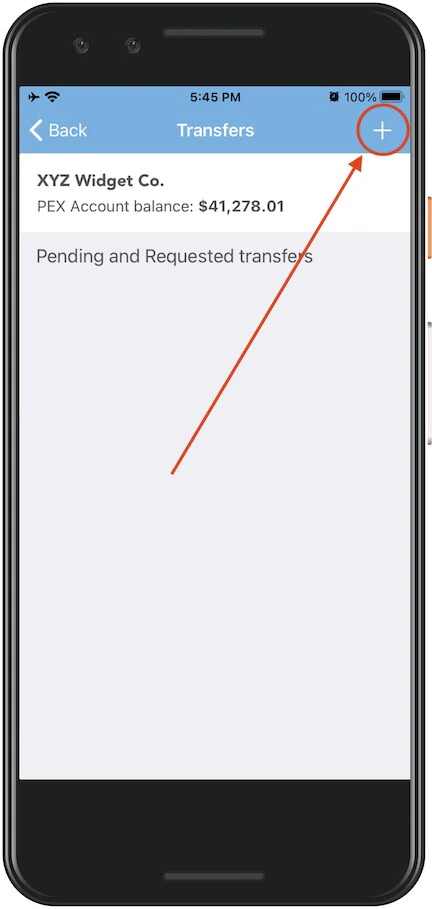
4
Click on the ”+” sign at top right to initiate a new transfer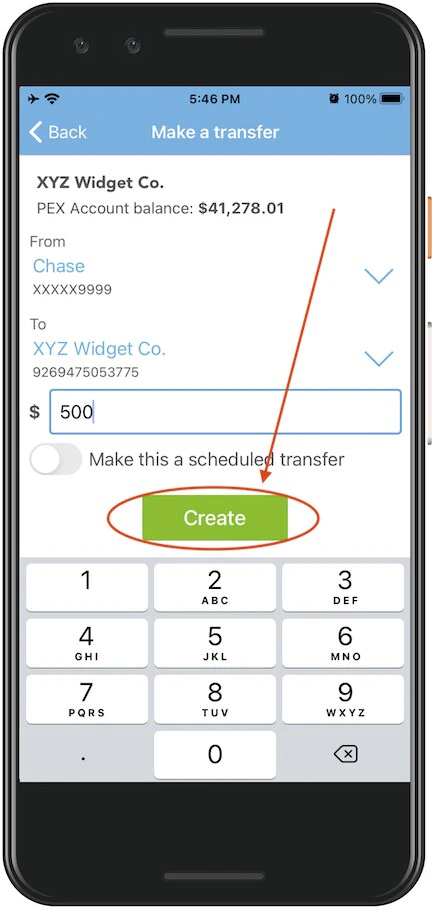
5
Select the PEX account to transfer funds “From” (from the dropdown menu — if there is only one choice it will be preselected)
6
Select the external bank account to transfer funds “To”
7
Enter the amount to transfer
8
Click the green “Create” button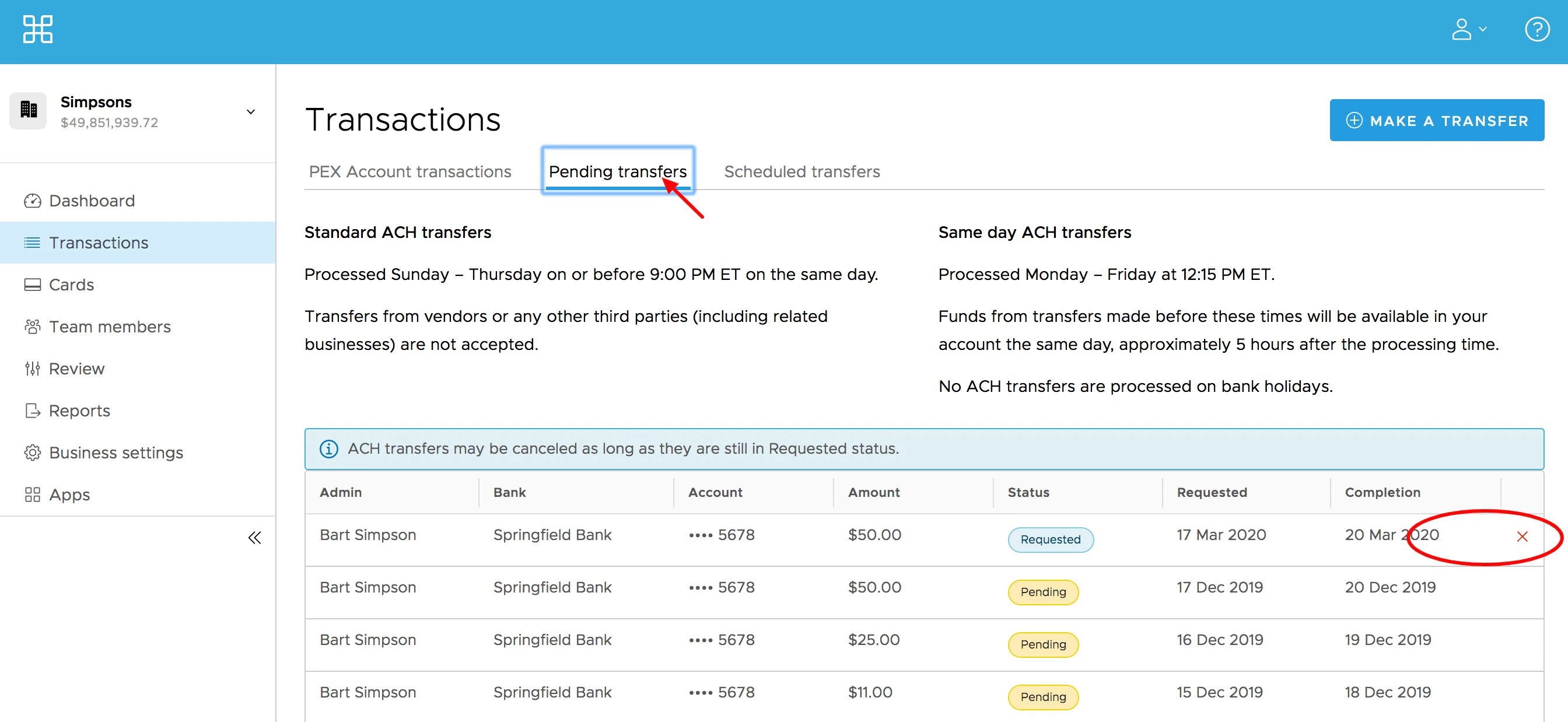
9
Click “Transfer” in the confirmation dialogue boxClick “Transfer” in the confirmation dialogue box
Note:Any transfers from your PEX business account by administrators to your bank will incur a $10 outbound ACH transfer fee. These and other fees are outlined on our pricing page.