- No restrictions - A Cardholder can make purchases in-person and online.
- Card present (in-person) transactions only - Cardholder can ONLY make purchases in-person.
- Card not present (online) transactions only - Cardholder can ONLY make purchases online.
Instructions for the PEX site
1
Log in to dashboard.pexcard.com
2
Click on the “Cards” tab
3
Locate and click on the cardholder’s name
4
Click on “Spend Rules” in the card details page
5
Select the option under “In-person and online spend rules”
6
Click “Save Changes” to update the spend rules for the card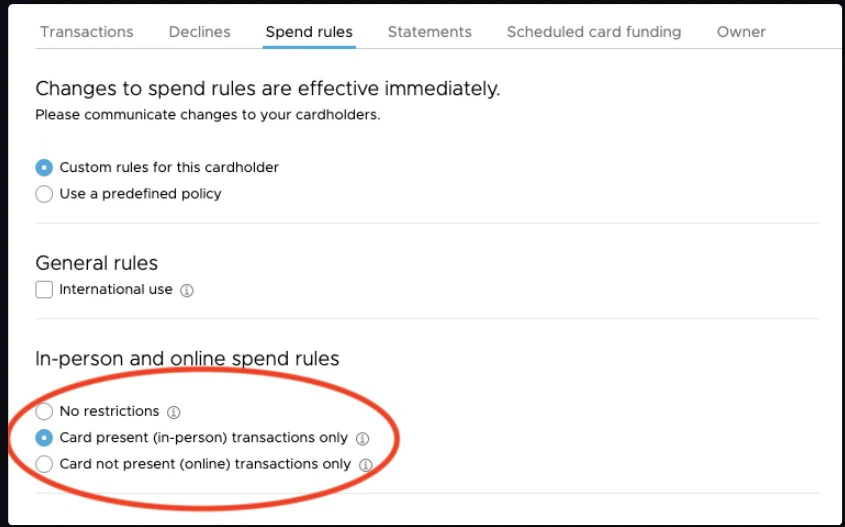
Through the mobile app
- Download the iOS app from the App Store
- Download the Android app from the Google Play Store
1
Log in to the Mobile App
2
Click the “Cards” icon at the bottom of the screen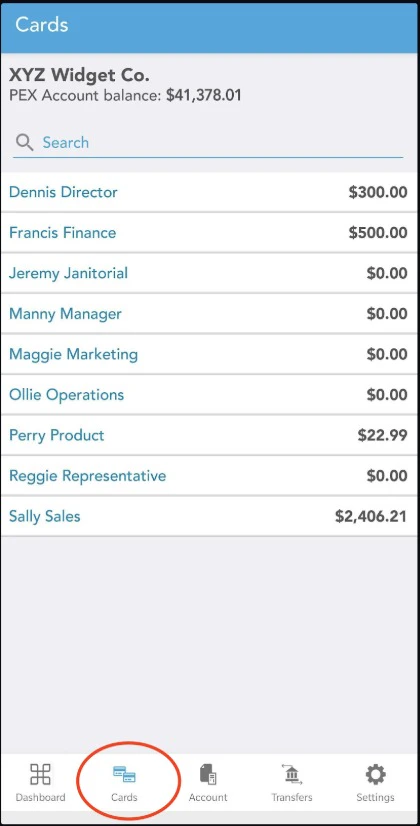
3
Click on the cardholder’s name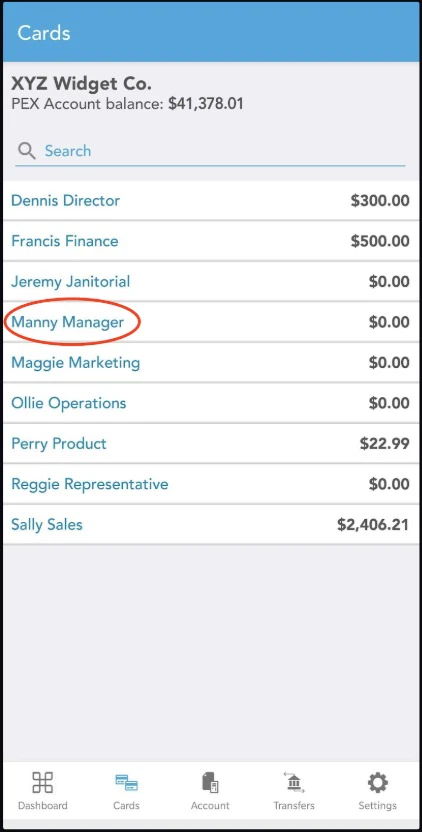
4
Click “Spend Rules”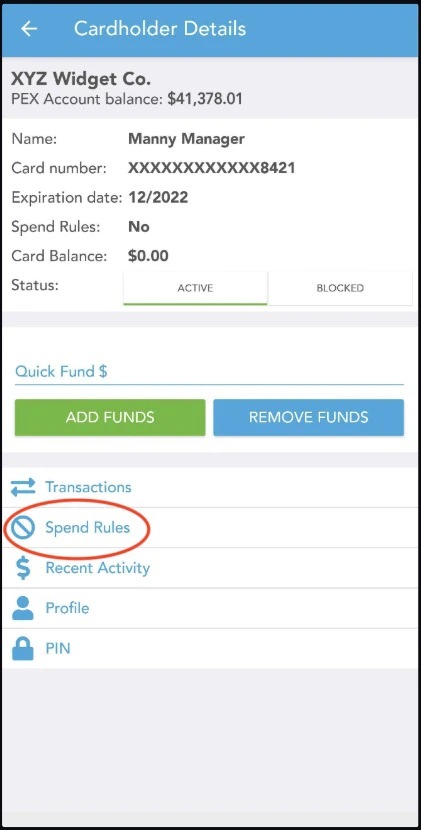
5
Click “In-person and online spend”
6
Select an option to limit transaction spend, In-person, online or both.