

Requesting funds for your card
Cardholders can ask Administrators to add funds to prepaid expense cards through the desktop Dashboard site and through the Mobile App.1
Log in to dashboard.pexcard.com
2
Click the blue “Request Funding” button in the upper right corner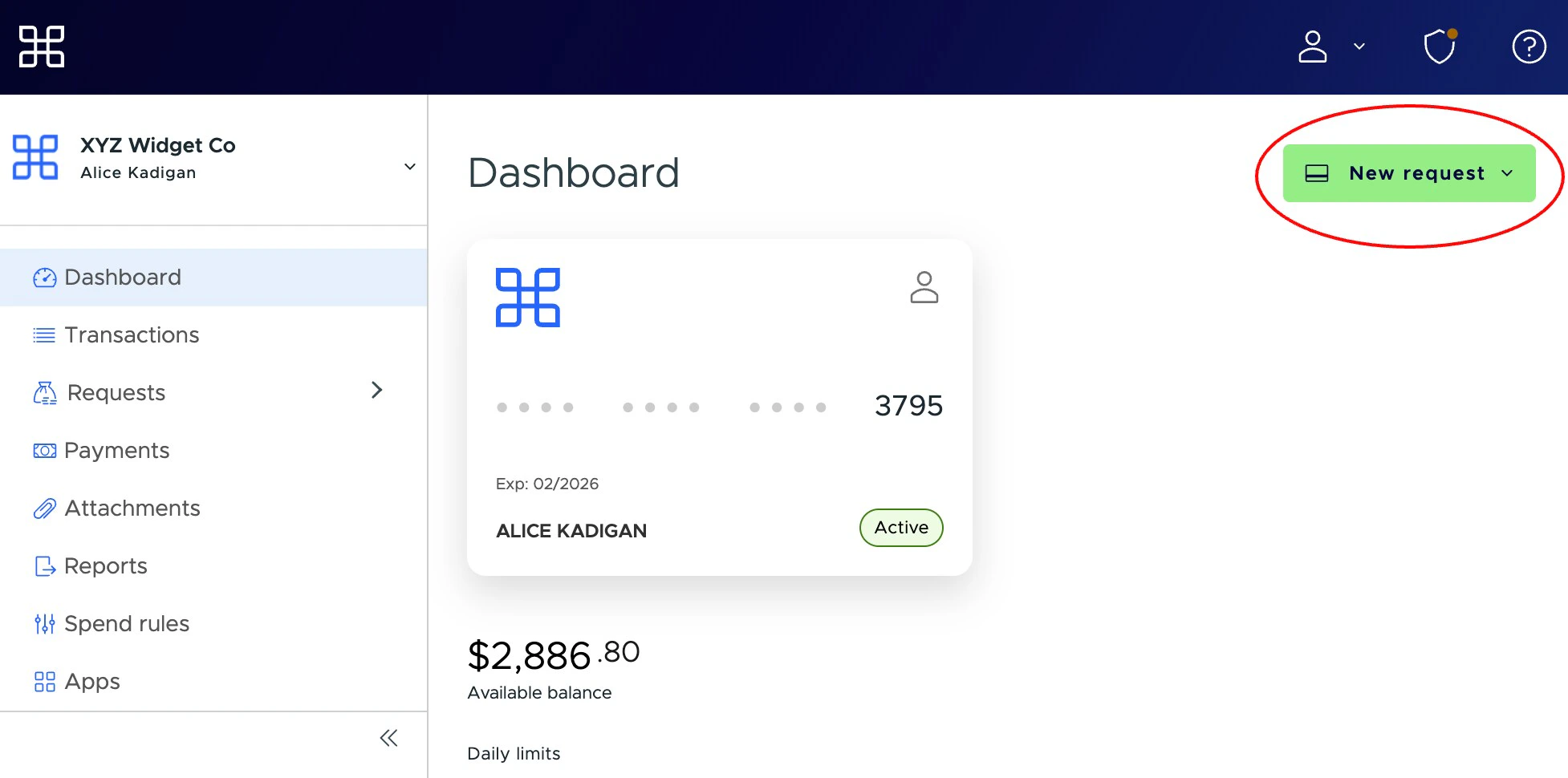
Note:
- for convenience, this button appears on the Dashboard tab, as well as the Funding Requests tab
3
Enter the amount of the funding request in the “Amount” field
- You can add a note for the Administrator if you like. The note is limited to 200 characters.
4
Click the “Request” button