

1
Click the “Business Settings” tab in the left navigation
2
At the top of the page, click the icon image
3
Choose an icon that represents your account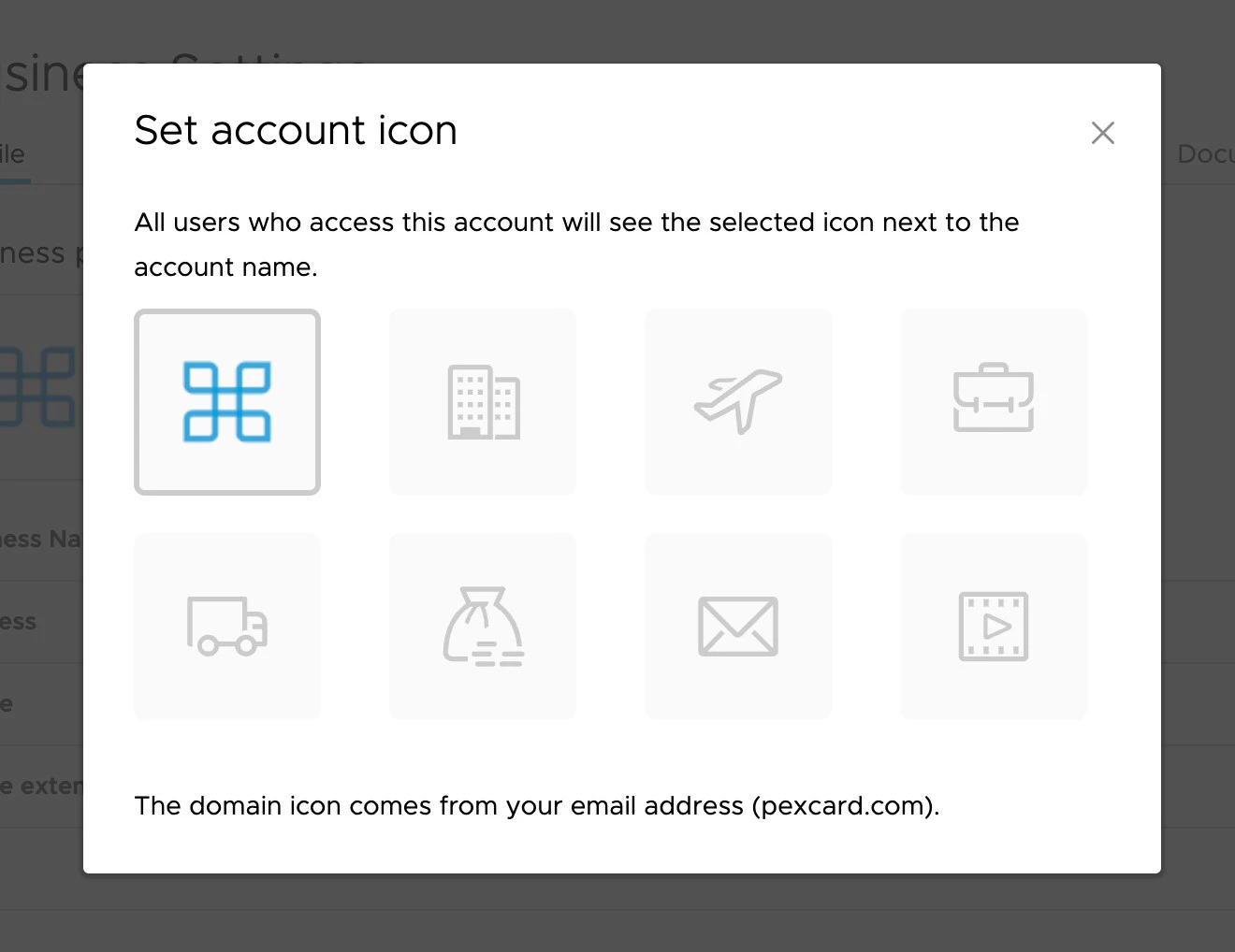
Note:The domain icon is based on your user email
You can set a custom icon on your account that will display to all users of the account. This can help to differentiate multiple types of accounts.